
Backup & restore
Backups live in Settings → Backup (admins only) and restore on any platform.
Creating a backup
Choose Download backup archive to save a single archive of your camera.ui storage directory: configuration, database, user accounts, and media.[1]
Restoring
Upload an archive and choose Restore backup archive. This replaces the current configuration with the archive's state and restarts the server. Leave the window open until it's done; camera.ui logs you out at the end.
Archives larger than 200 MB are rejected on upload. If yours is too big, exclude media folders from the backup and create a new one.[1:1]
Scheduled backups
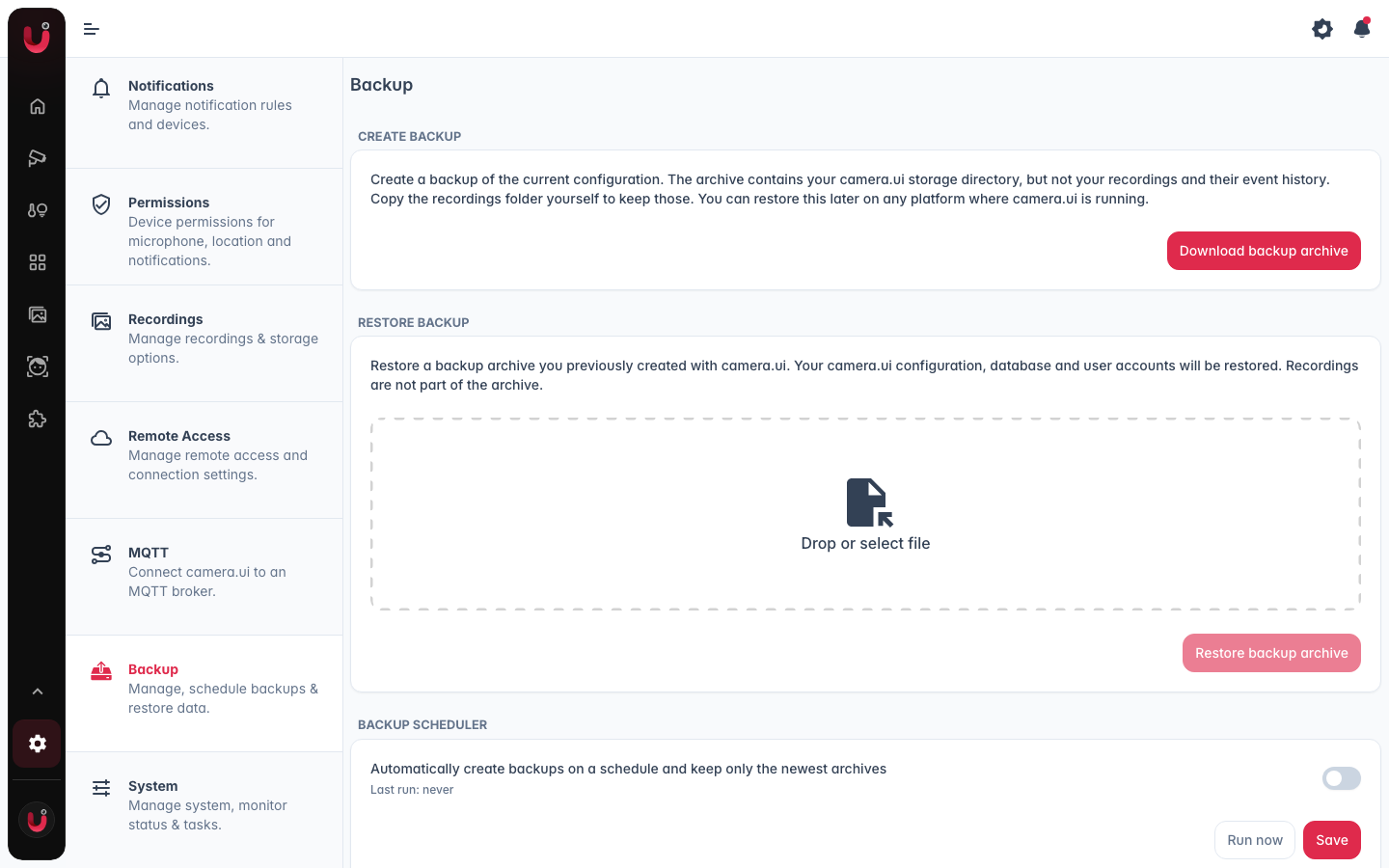
The Backup scheduler card creates backups automatically and keeps only the newest archives.
Turn it on and set:
- Frequency. Daily, Weekly, or Monthly.
- Time. The time of day the backup runs, as HH:mm (default
03:00). - Weekday. Shown only when Frequency is Weekly.
- Day of month. Shown only when Frequency is Monthly, 1-28.
- Keep backups. How many of the newest archives to retain, 1-60 (default 7). Older archives are deleted automatically after each run.
- Destination folder. An absolute path on the server, for example a NAS mount. Leave it empty to use the default folder inside your storage directory. A relative path is rejected.
Run now starts a backup immediately. Last run shows the time and result of the most recent scheduled run.
Scheduled archives are written to the destination folder on the server, unlike a manual download, which saves the archive to your browser. Everything the scheduler has created is listed under Available backups for download or removal.